A free Splitwise alternative with no daily expense limit
Updated 20 November 2026
apaxas does the same job as Splitwise. You record what each person pays on a trip, in a shared flat or at a dinner, and it tells you who owes whom. The difference is that there's no paid version. You can add as many expenses as you like, and the AI reads your receipts and payment screenshots without you paying anything. It's made by Trama, a company in Madrid.
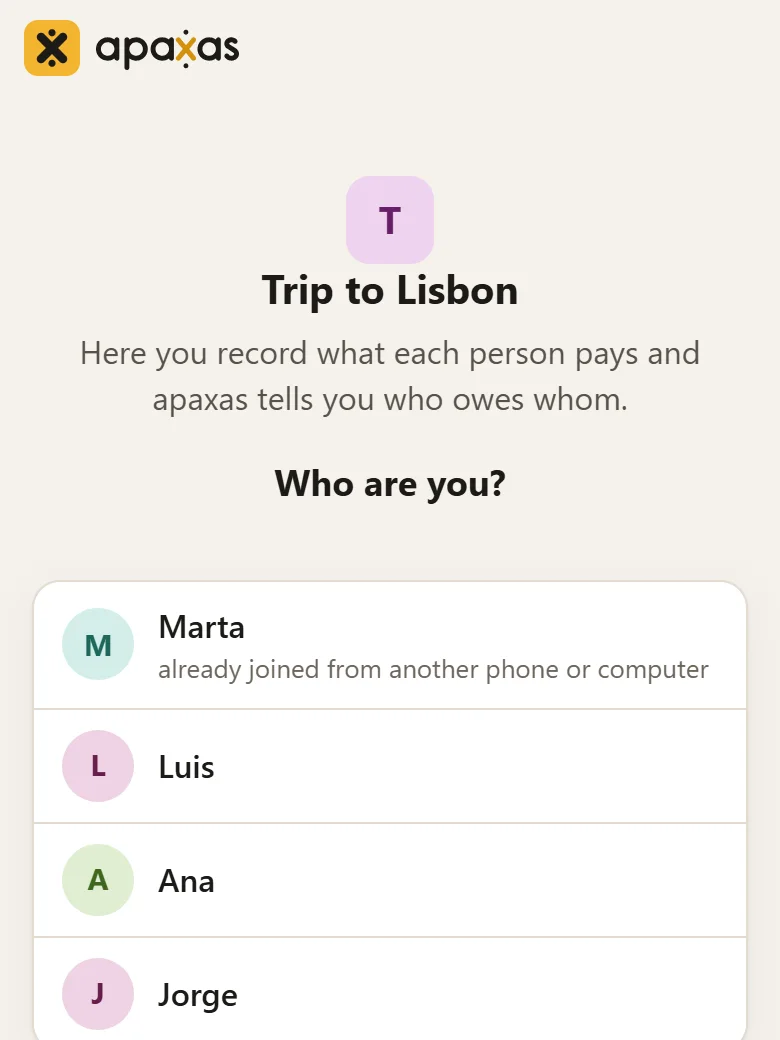
No sign-up. You share the group link on WhatsApp and everyone joins with their name.
What Splitwise charges for
According to the Splitwise help center, free users can add up to four expenses a day. To add more, scan receipts or convert expenses from one currency to another you need Splitwise Pro, which is paid and also removes the ads. In apaxas nothing is paid.
| apaxas | Splitwise free | Splitwise Pro | |
|---|---|---|---|
| Price | Free | Free | Paid |
| Expenses per day | No limit | Up to 4 | No limit |
| Ads | No | Yes | No |
| Reads receipts | Yes, with AI | No | Yes |
| Converts currencies | Yes, at that day's rate | No | Yes |
| Export the group | Yes, for Excel, Tricount, Settle Up, Splitser, Cospend or IHateMoney | Yes, as a spreadsheet | Yes, as a spreadsheet |
| Account needed | No | Yes | Yes |
| Based in | Spain | United States | United States |
The Splitwise details come from its help center and its Splitwise Pro page, checked on 19 November 2026. If something has changed, write to hola@apaxas.com and we'll fix it.
The AI reads receipts and screenshots
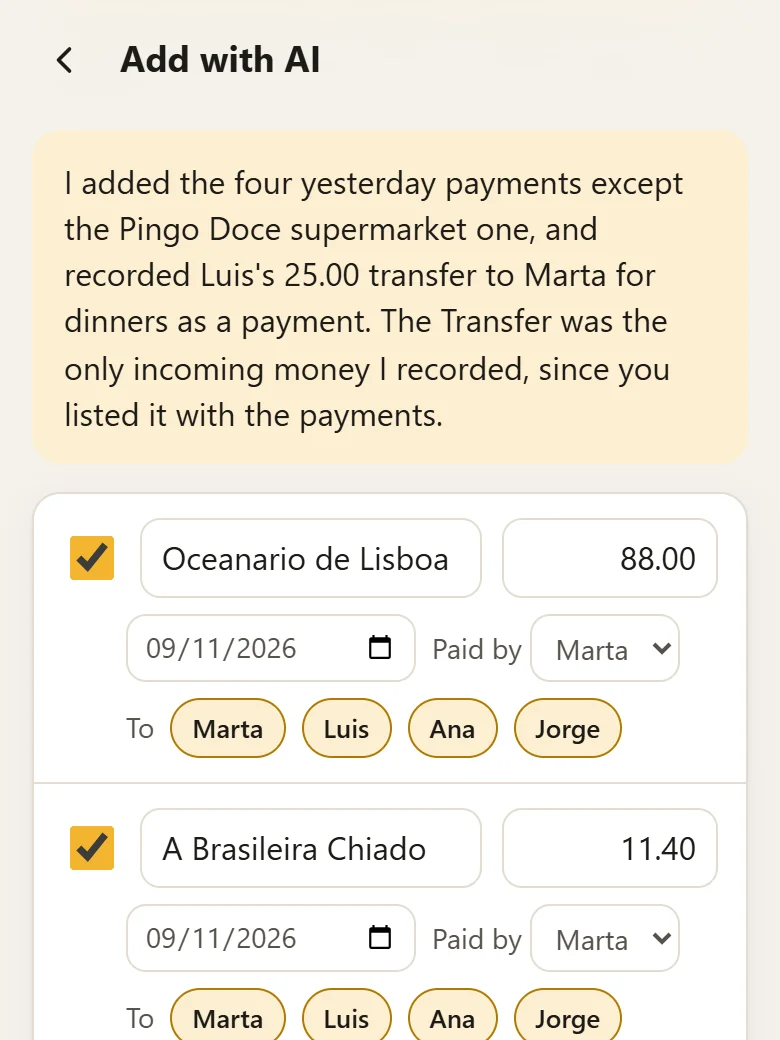
In “Add with AI” you upload a photo of the receipt, screenshots of your bank payments, a PDF or a spreadsheet, or you just type the expenses however they come out (“dinner 45 I paid, taxi 12 Luis”). apaxas reads them and shows you the list to check before anything is saved.
It also understands what you ask. With a dinner receipt and “leave Rocío and Laura out of the drinks”, it splits the dinner between everyone and puts the drinks in a separate expense without those two.
It can also change what's already there. Write “Juan arrived on the 7th, take him off the earlier ones” and it shows which expenses change and how the balances end up before touching anything, and the change can be undone from the history.
Each person gets 30 reads a day. That's the only limit, because each read costs money.
If you use Claude, Mistral or another AI with connectors, you can also ask it to add the expenses in apaxas for you. How it works is on apaxas with your AI (in Spanish).
Export and import your groups
Every group downloads from its settings, under “Download”, and you choose where it's going. For Excel you get a CSV with all the expenses and what each person owes, which can be uploaded again in “Add with AI” and goes straight in, without the AI. If you move to Tricount, Settle Up, Splitser, Cospend or IHateMoney, it comes out in the format each one imports, and the balances stay as they were in apaxas.
The CSV that Splitwise exports works the same way. apaxas reads it without the AI and brings in every expense with its split, and also the payments you made to each other, so the balances stay as they were, give or take a cent. Exports from other apps go in too: you upload them in “Add with AI” and the AI reads them like a receipt.
Moving a group from Splitwise
- In Splitwise, export the group. On the website, open the group, click the gear icon for its settings and choose “Export as spreadsheet”. In the mobile app, “Export” is at the bottom of the group's top menu. You get a CSV file.
- In apaxas, create the group and go to “Add with AI”. If you give each person the same name they have in Splitwise, their expenses go to them; anyone missing is added automatically.
- Upload the CSV without typing anything in the box, check the list and save it.
Expenses in another currency arrive without the exchange rate, and apaxas asks you for it before saving them. If an expense was paid by several people, Splitwise doesn't say how much each one put in, so it comes out separately for you to add by hand.
Made in Spain
apaxas belongs to Trama Arquitectura y Diseño SL, a company in Madrid, and handles data under the EU's General Data Protection Regulation (GDPR). It has no advertising and no trackers, and it doesn't sell or share data with anyone. Receipt photos are stored on servers in the European Union. Who else processes data and where, including the AI, which is Claude by Anthropic, is in the privacy policy.
Questions
Is it really free?
Yes. There's no paid version and no ads, and apaxas doesn't sell data. The only limit is on AI reads, 30 a day per person, because each one costs money.
Does everyone need an account?
No. You create the group, share the link and each person opens it and picks their name. Anyone who wants to see their groups on another phone or on a computer can create an account with their email.
Is there a mobile app?
Yes. On Android it's on Google Play, and on iPhone you add it to the home screen from the browser. It sends a notification when someone in the group adds an expense.
Can I move my Splitwise groups to apaxas?
Yes. Export the group in Splitwise and upload the file in “Add with AI”, and apaxas reads it without using any AI reads. The steps are above, in “Moving a group from Splitwise”.
What if I want to leave one day?
You take each group with you from its settings, for Excel or in the format that Tricount, Settle Up, Splitser, Cospend and IHateMoney import, with the balances as they were. You delete your account yourself from “Your account”.
Does apaxas move money?
No. It only records who paid what and tells you who has to pay whom. If people add their Bizum or IBAN, whoever owes sees it next to what they owe.
What languages is it in?
Spanish and English. Expenses can be in any currency, and apaxas converts them to the group's currency at that day's rate.